Recalibration
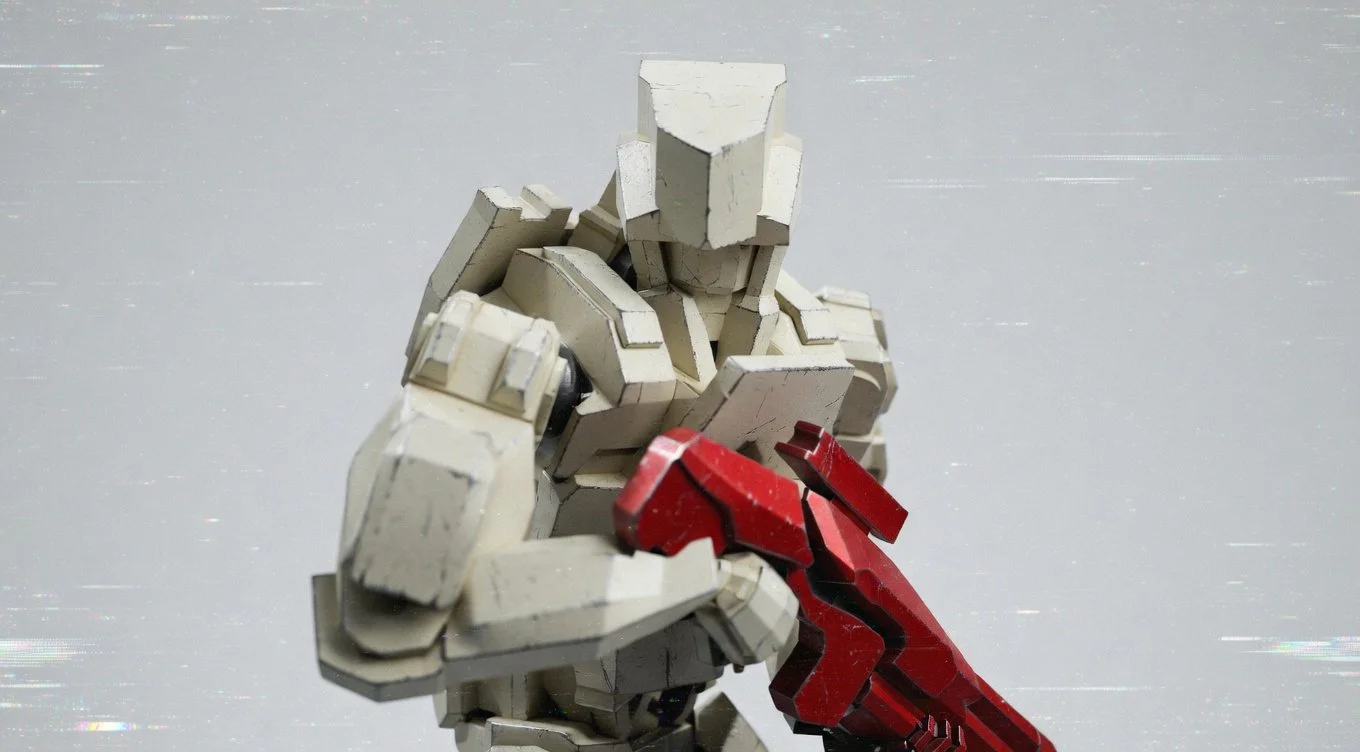
New material tests on a medium T.A.C
I’ve been hard at work on a lot of things since the last blog update. Many of them were issues that only become clear when you’re actually working toward your goal—impossible to see upfront but obviously necessary once they appear.
I’ve always wanted to combine technology with tabletop games. I think it’s a fantastic way to add mechanics and features that would normally only be possible in a video game. A lot of things get dropped from tabletop games due to the tedious nature of looking up rules and making numerous decisions.
Whenever I’ve done playtesting sessions with Interferion, it always felt like something was slowing it down. Some of the main problems were:
Testing Line of Sight between two hexes with a tape measure over the board.
Not having half the the table filled with the programming boards to plan a squads turn.
Needing at least 100 counters to map out a squad’s turn. It’s messy.
Not making your moves clear to opponents when testing LOS over the board. This is only possible with one player at a time—especially in 3–4 player games.
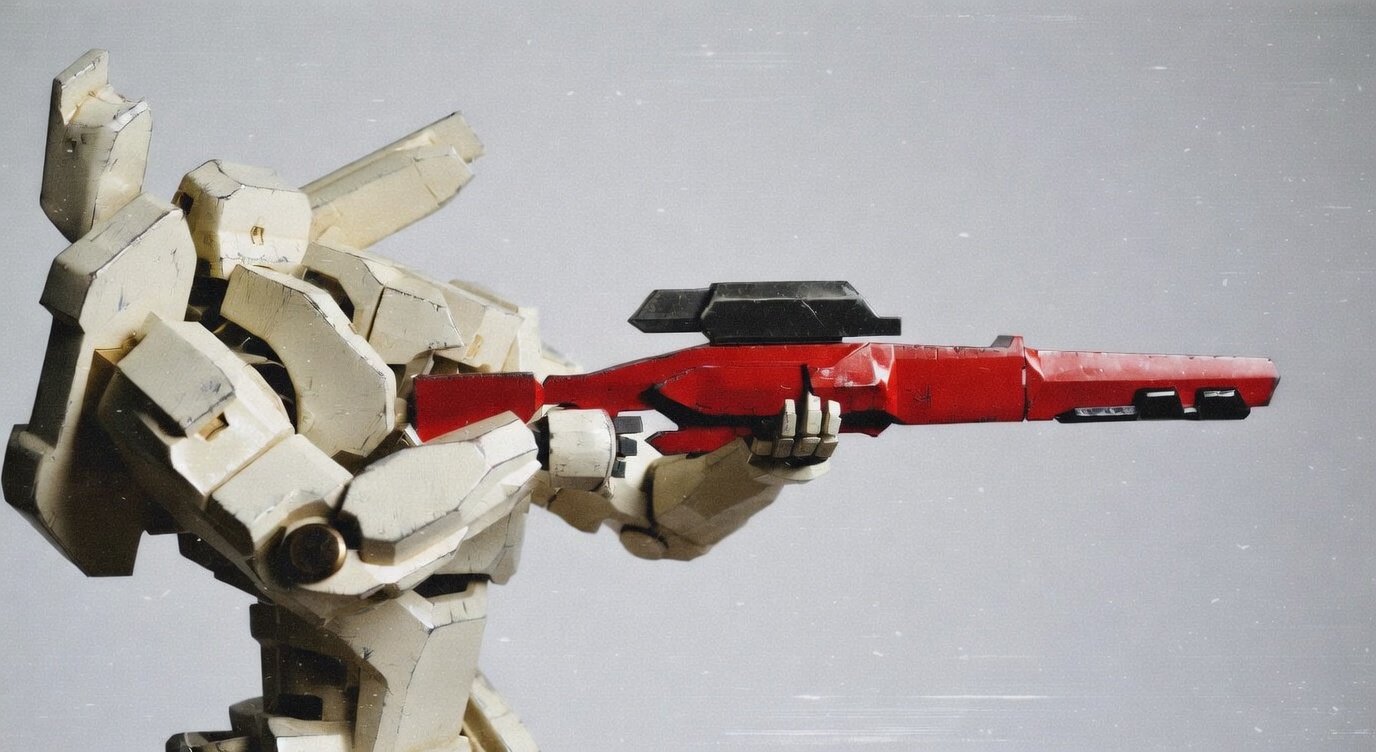
New material tests on a heavy T.A.C
After a lot of trial and error, I finally managed to get the first version of a Unity game project running in the web browser.
The moment I got the very first version of the programming board working on the screen, I knew I’d made the right choice by pivoting away from physical pieces in the tabletop version.
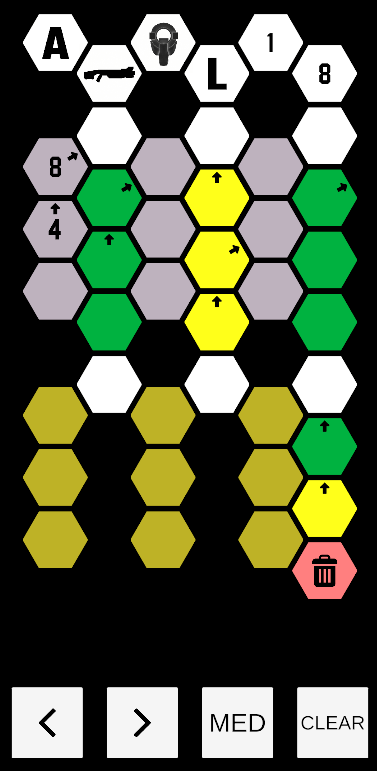
The 1st version of the programming board for a single unit
Working on UI interactivity is hard—getting it to “feel right” has been particularly challenging.
Making something in Unity is a complicated process. There’s no way to “one-shot” an app made of hundreds of moving parts the way you can with something like Claude-generated code. So for the first time, I decided to use AI to assist with coding.
It’s been a fantastic experience working with Grok from xAI.
On occasion, it’s felt like collaborating with a senior dev who has taught me a lot of new things I didn’t know before.
When it started pointing out flaws in my logic based on previous code we’d created together, I knew I’d made the right choice in using it as a tool. Even with this leveraged output, it’s been incredibly hard to get as far as I have.
Red Blob games was my reference point. Massive thanks to it’s creator. I doubt most of my work on this app would exist without his web page.
I then decided to add a squad builder screen and made the choice to move all player interactions with their squad into one digital tool.
This is the first version of the squad builder screen. It’s fast, snappy, and gives players a clear overview of their squad.
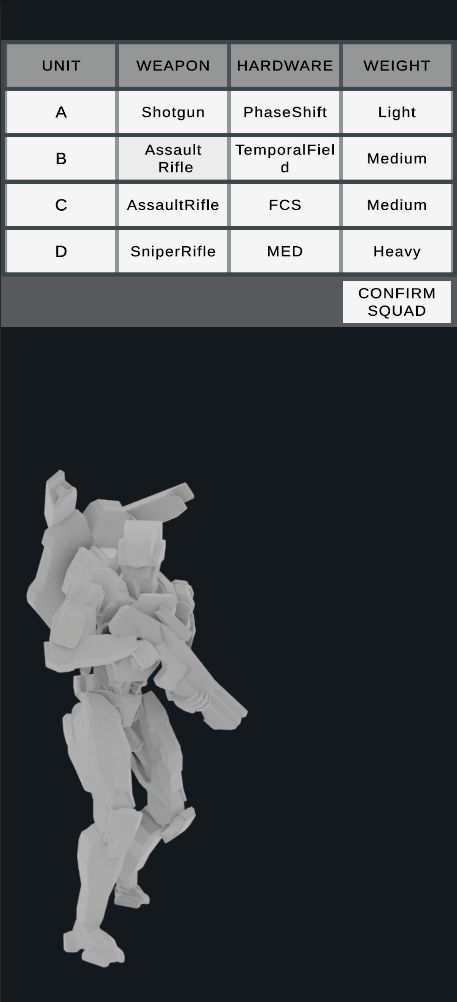
Current squad builder screen
Next up: the LOS system. I’d used the wrong coordinate system in my first hexagonal framework to properly handle true LOS and other hexagonal logic. Back to the drawing board…
After 6 weeks, I’ve finally reached the point where I have all the basic functionality needed to work with hexagonal math inside Unity—for Interferion and future games. It was incredibly difficult to convey the necessary information to the player, but I feel like I nailed it. Color coding around hexes and on the hexes themselves now makes it clear at a glance whether a unit has LOS to a hex and whether those hexes confer a cover bonus to the target.
In the picture below, the grey line is drawn between the unit and the target hex. Dark green is low cover, which confers a cover bonus to targets next to it. Black is high cover, which blocks all LOS. The light green hexes are hexes with valid LOS and no cover bonus. The yellow hexes show that a target there receives a cover bonus. The red outline shows that LOS is blocked at that point. The light red hexes show the “aim radius” of the unit from its target hex (which is in the center).
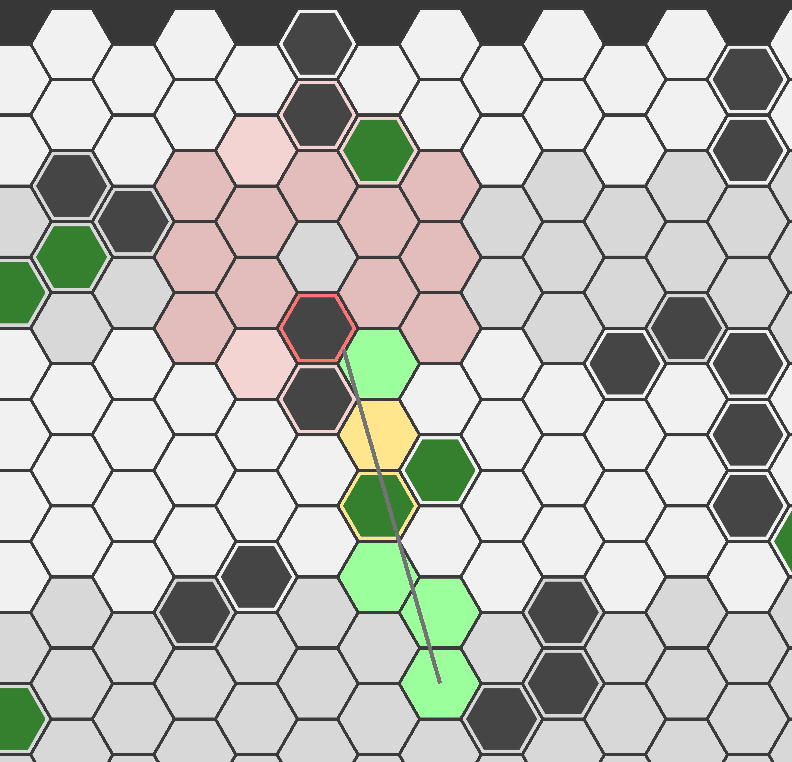
Line of Sight tool
I’ve just finished the basic version of the mission generator, which allows players to generate the battle board with all cover, deployment zones, and objective markers. It’s simple, clean, and works great on a mobile phone.
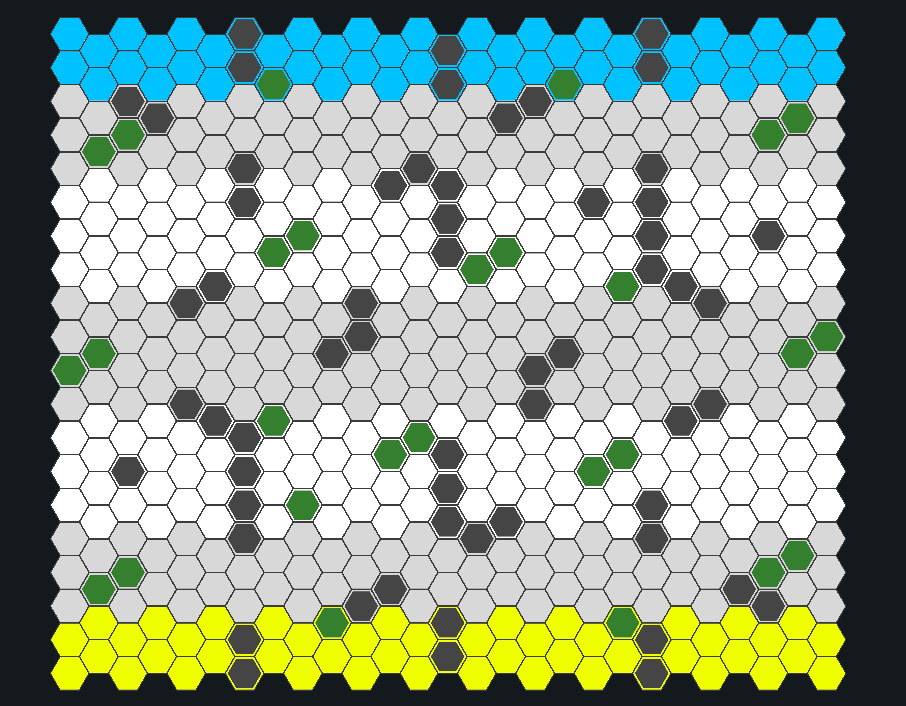
2 player battle board with cover and deployment zones
The next steps will be to show all the phases of a turn from a squad on the battle board—movement, positioning, and other essential information. As always, the last 10% of anything takes 90% of the time.
If you’d like to see more regular (but smaller) updates on what I’m doing, take a look at my X profile.
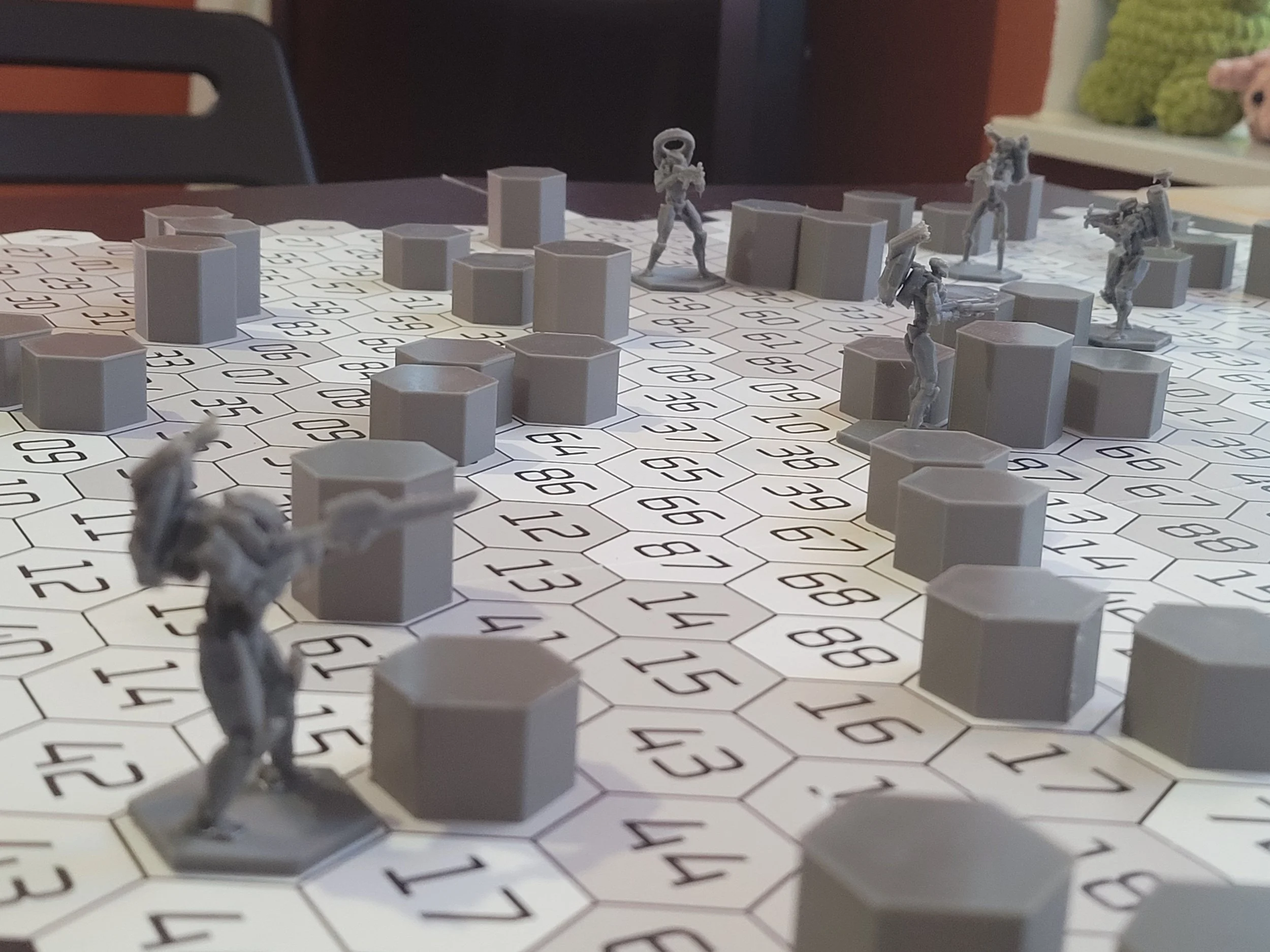
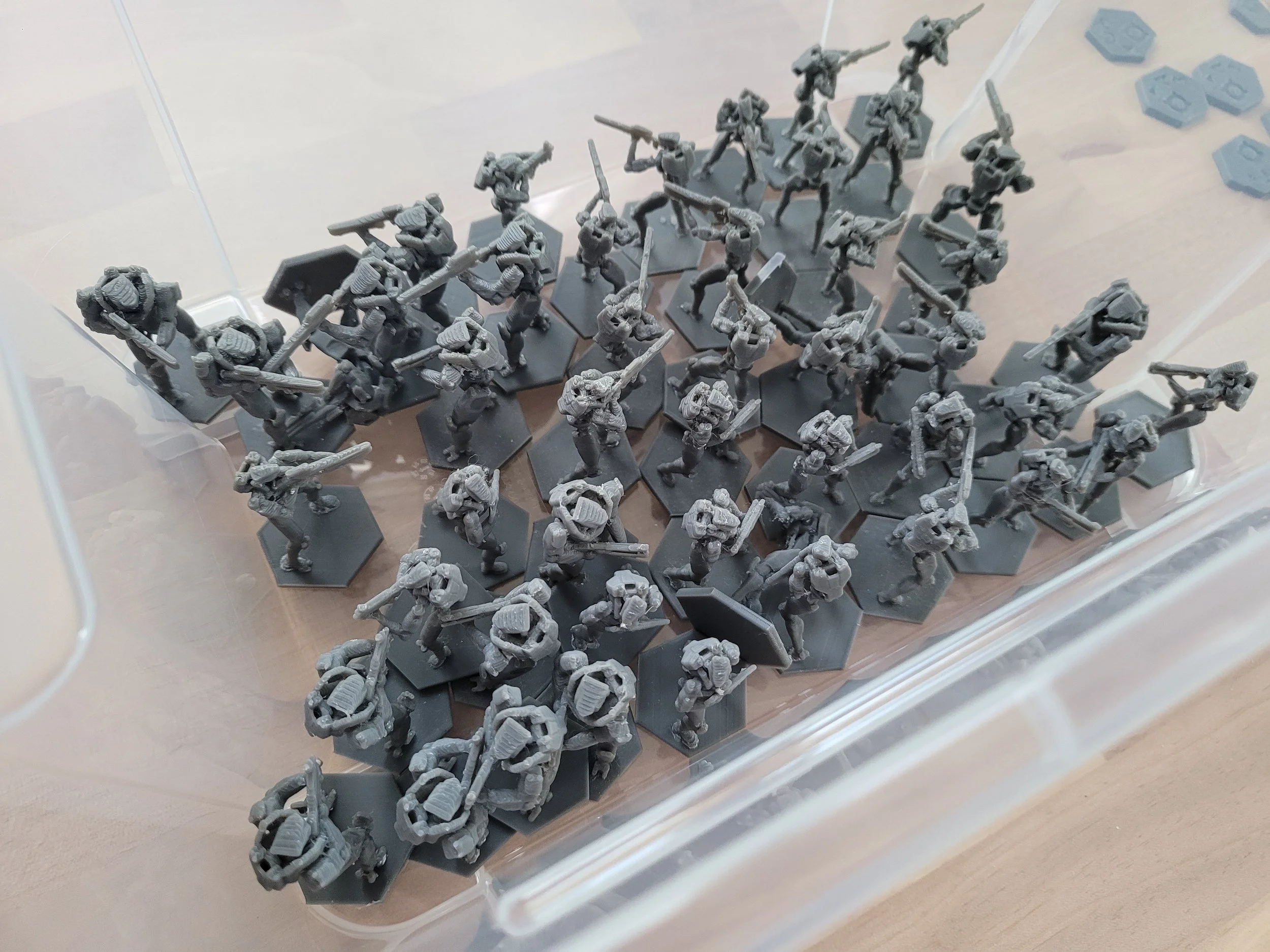
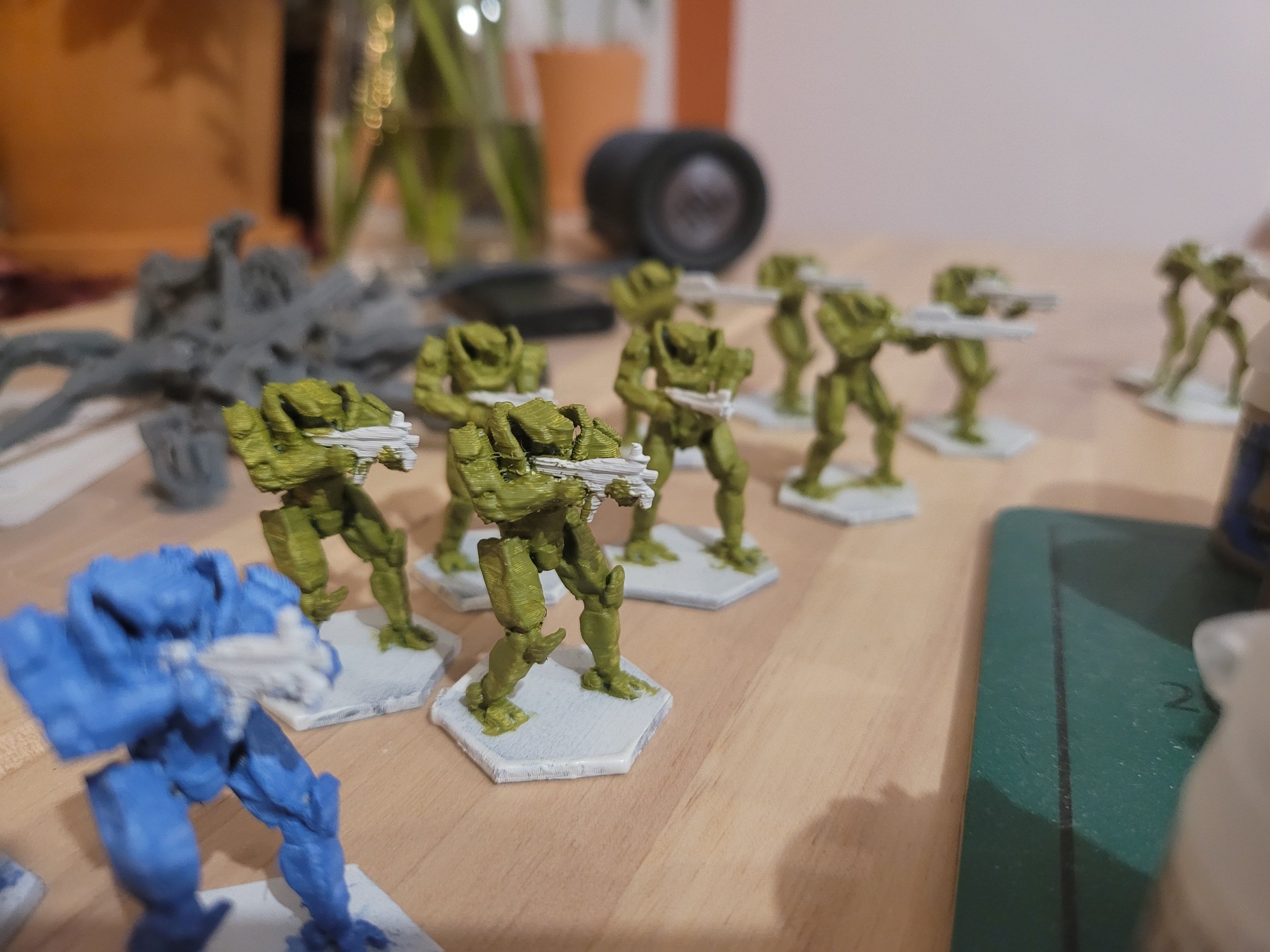
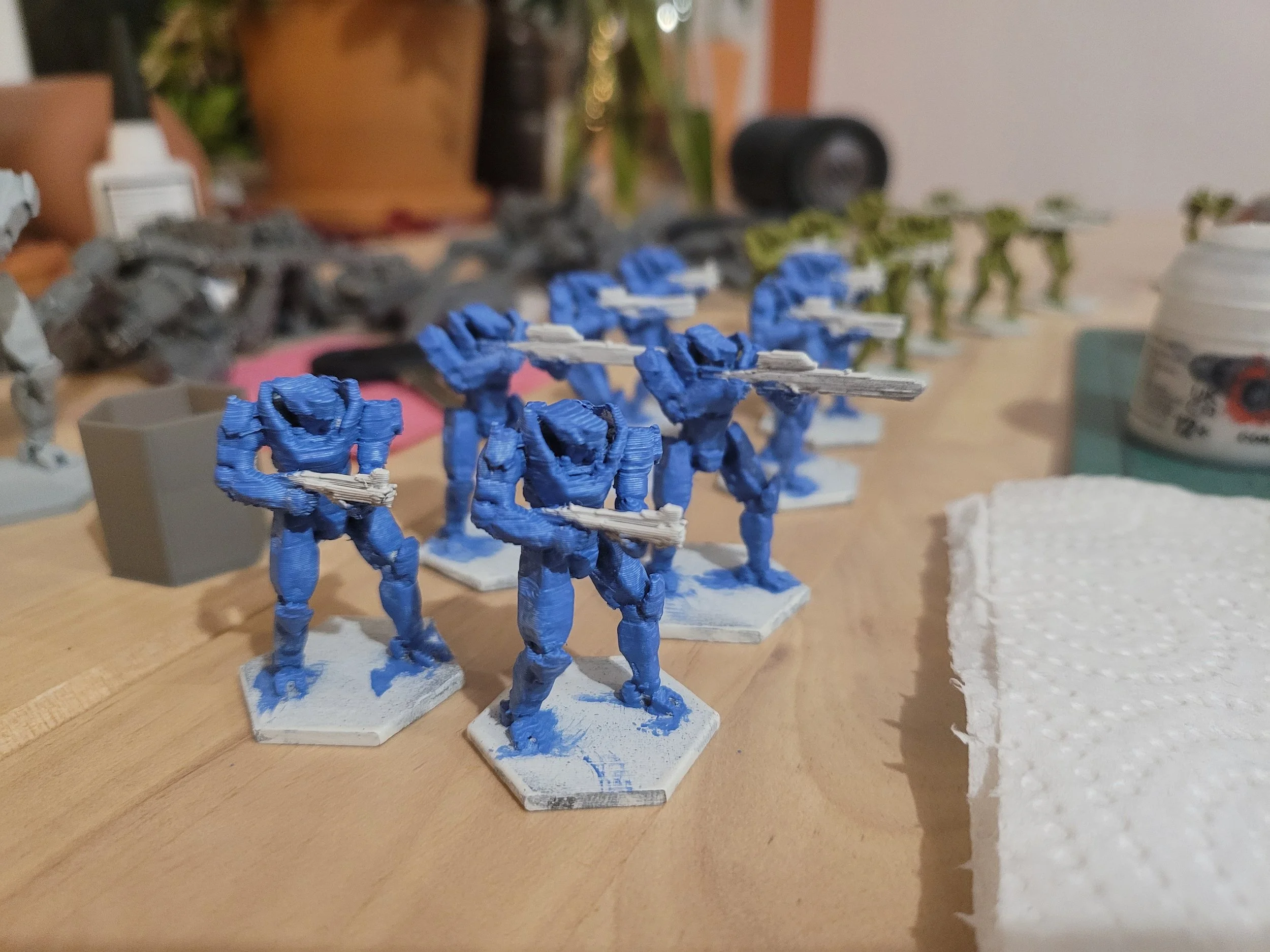
Last but not least, the physical tabletop Alpha version is almost done. The paint jobs are terrible due to low-quality prints (0.4 mm nozzle and 0.2 mm layer height). When I get closer to the final version, I’ll be doing much higher-quality prints and getting some resin models printed as well.
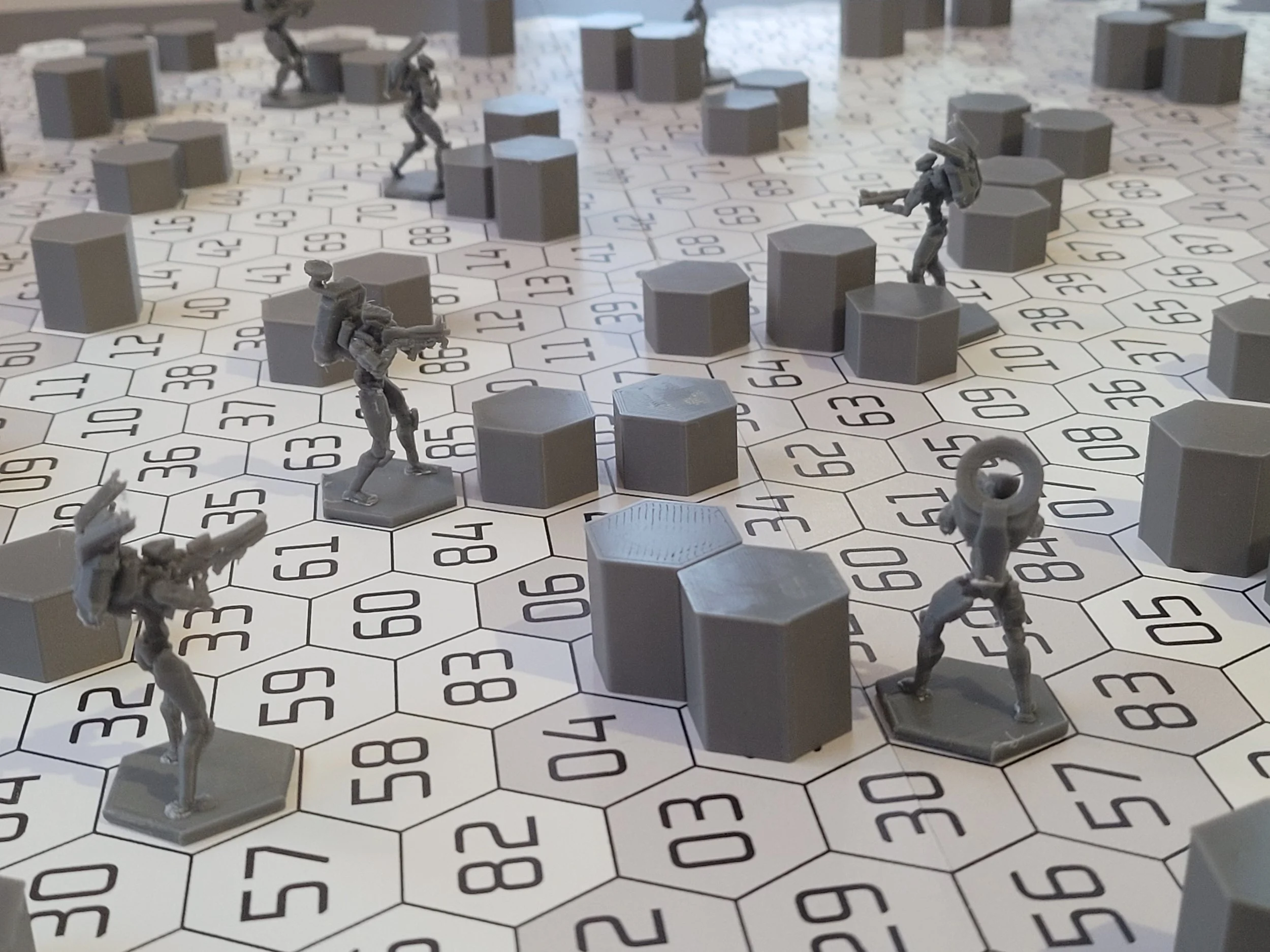
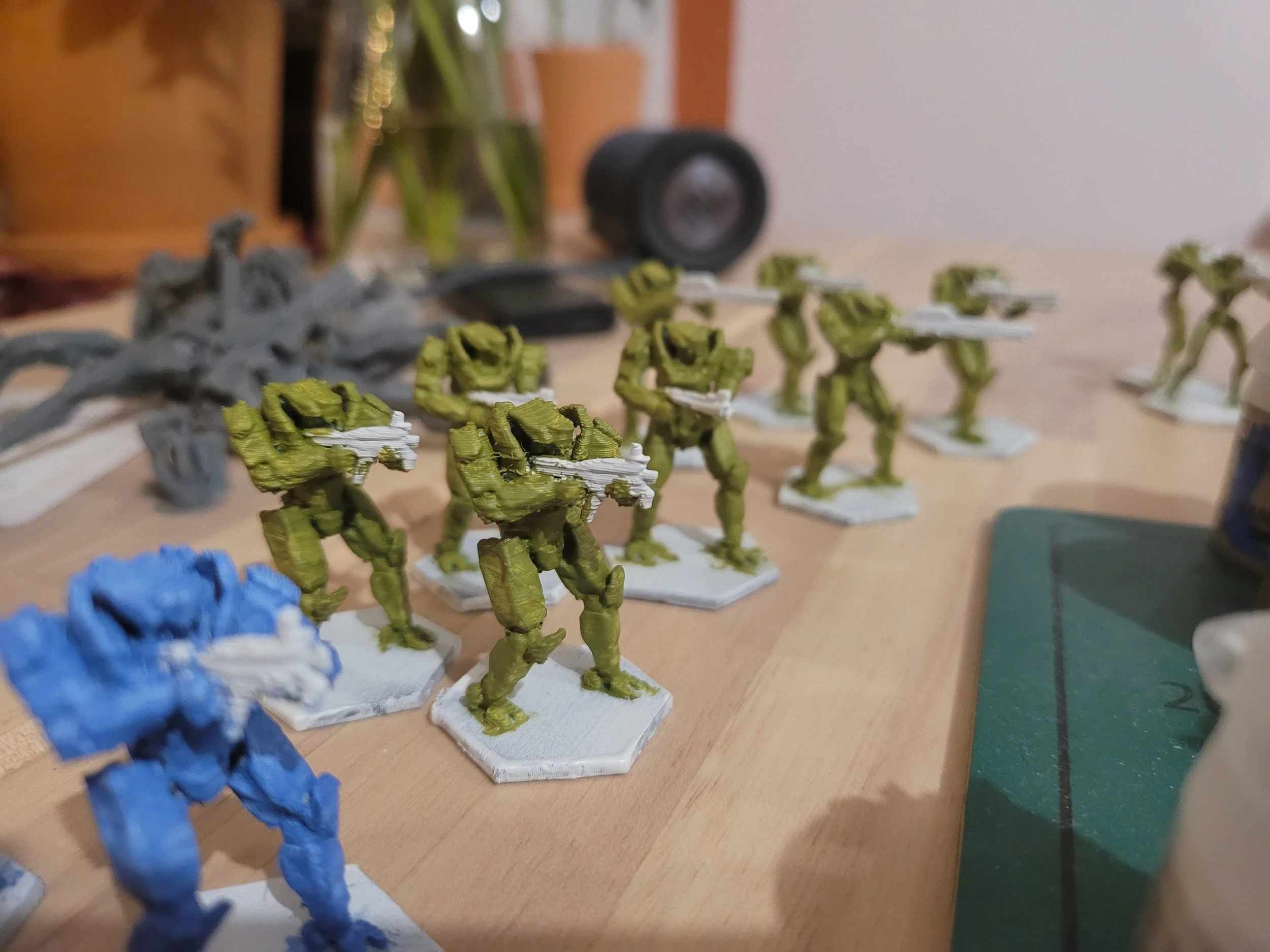
I wish you all the best.
